One-click sales contracts from your own template
For every sale the same contract text is opened and the buyer's name, passport details, unit number, price and installment table are filled in by hand. When a figure or a name is copied wrongly, the mistake is often noticed only after signing. FORA produces the contract from your own legal text, filled from the records already in the system.
Your template, FORA's data
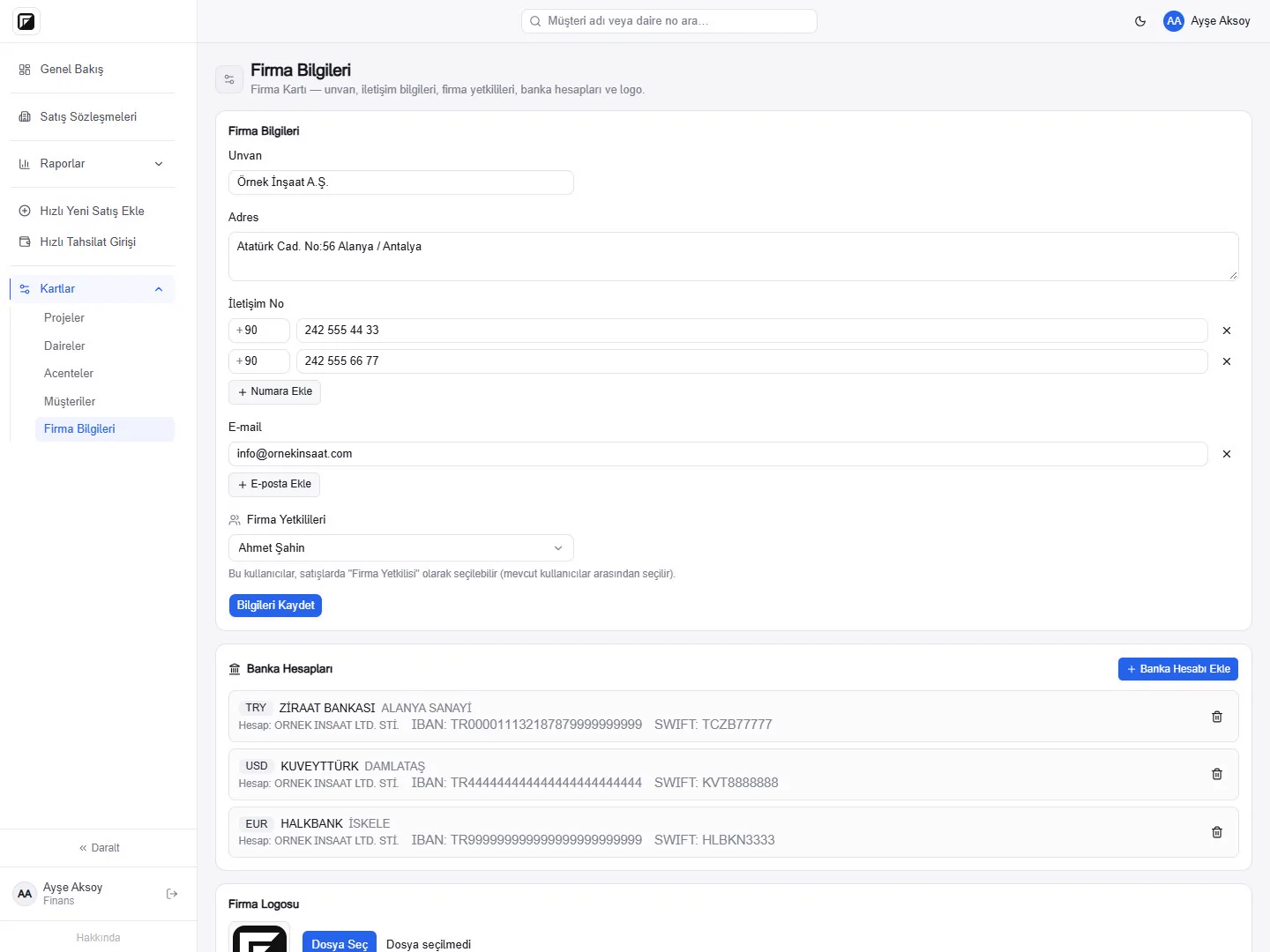
Your company uploads its own contract text as a Word (.docx) template. The fields placed in the template are filled from the contract card when the contract is generated: buyers and their contact details, nationality and passport number, project, block, unit and floor, sale price, the installment table, your company's bank accounts and the unit's features. The result is an editable Word file, so you can still make changes during the final review.
Before a contract is generated, FORA lists the fields the template needs that are still empty on the card. You can complete the missing information and generate the contract again.
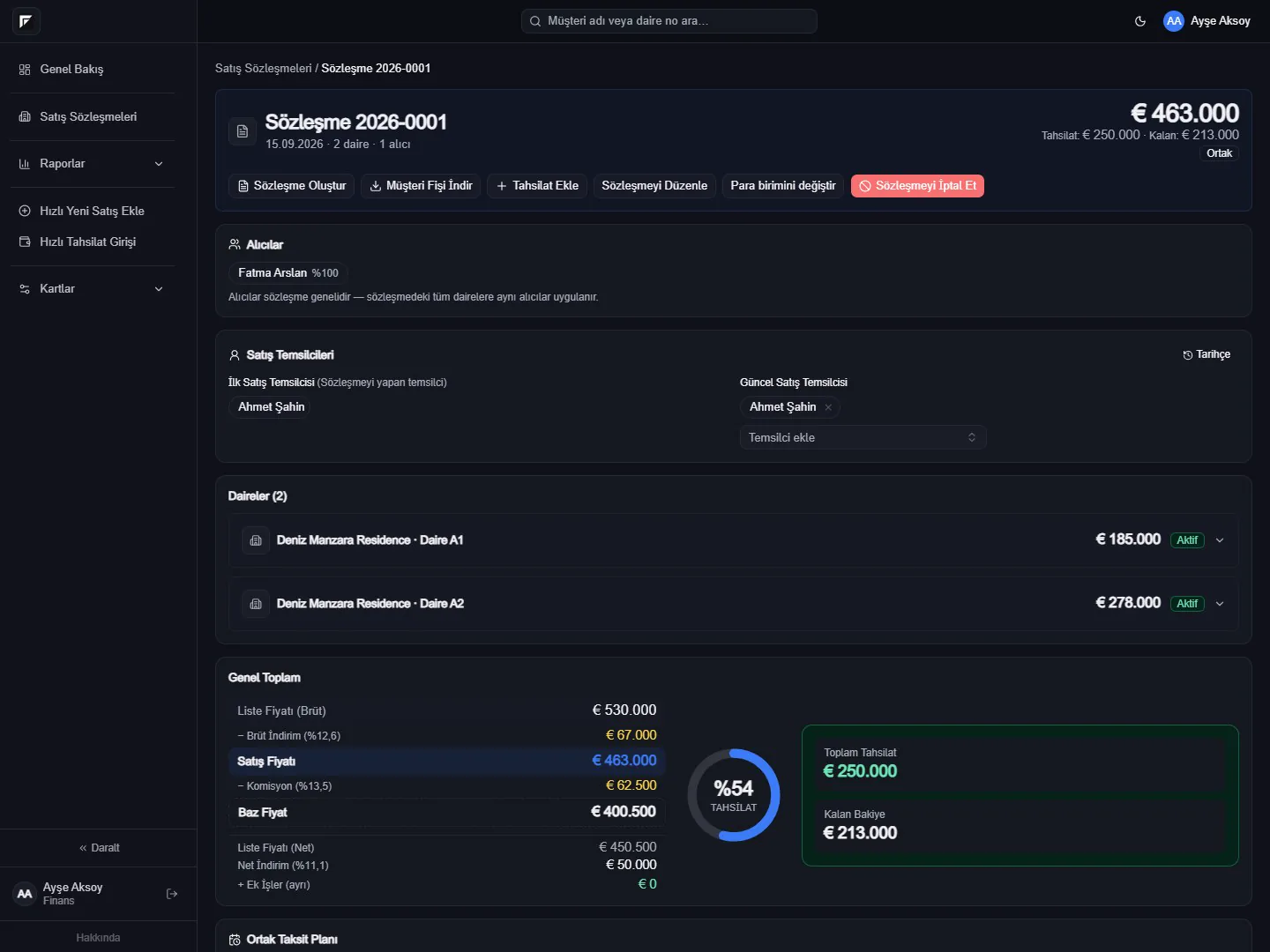
A contract in three steps
- Enter the sale on the contract card: buyers, units, price and payment plan.
- Click Generate Contract and choose the language. FORA lists any missing fields.
- Download the Word file, do the final review, print it and have it signed; upload the signed copy to the same card.
For several contracts belonging to the same customer, you can also generate a bundled contract from the customer card.
Bilingual contracts for foreign buyers
Companies selling to buyers from abroad often prepare the contract in two languages. In FORA you choose the language each time a contract is generated: Turkish, Turkish-Russian or Turkish-English. A separate template is uploaded for each language, and the Russian and English names of unit and site features are passed to the template as well.
The price is written in the contract's own currency. Sales in different currencies follow the same flow, with the exchange rate locked to the contract.
One unit or several
Single sales use one template, and a separate bundled template is used when several units are sold on one contract. The bundled contract lists all units together. Several buyers are written with their ownership shares, and the payment plan goes into the contract either per unit or as one shared plan.
Conditional sections and floor plans
Some sections of the template appear or disappear depending on the sale. For example, the agency section only appears for sales made through an agency. If the unit's floor plan is uploaded as a PNG or JPG, it is inserted into the contract automatically, scaled to fit the page; plans uploaded as PDF are not inserted, and a warning is shown.
Contract history and signed copies
Every generated contract is kept in the contract's history with who generated it, when and in which language; a contract regenerated after a correction is added next to the earlier one rather than replacing it. You can scan the signed contract and upload it to the same card.
Contracts are generated by users with the Sales and Finance roles; templates are managed by the Finance role.